




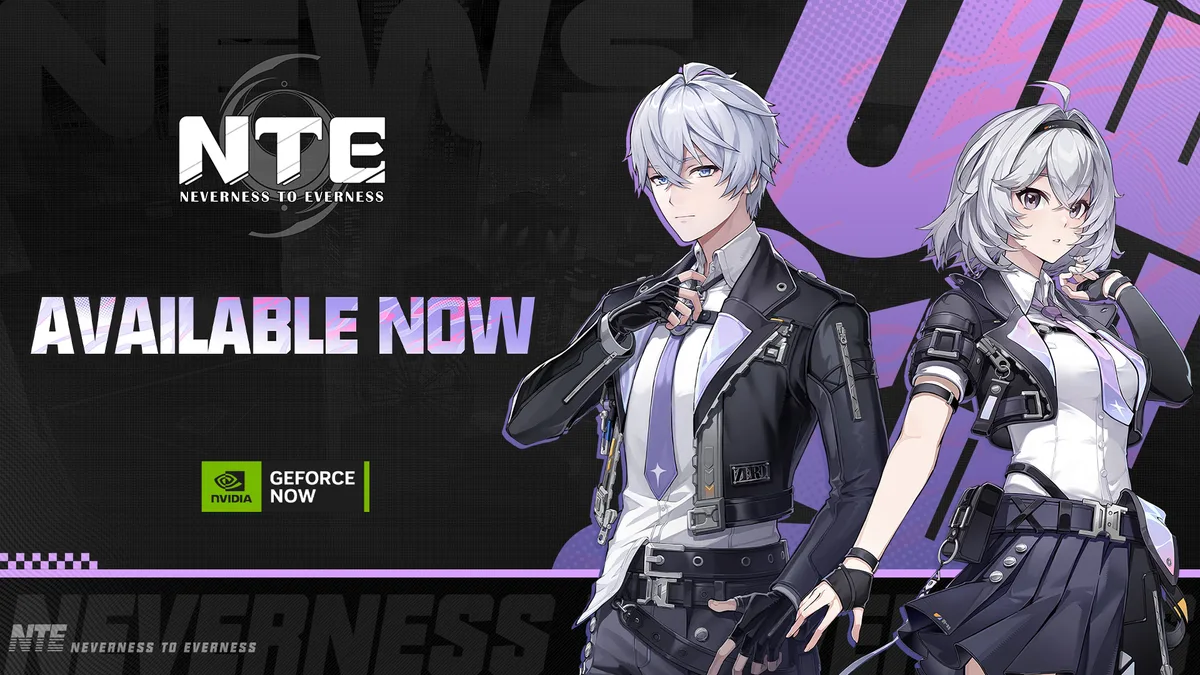

Neverness to Everness is now available on NVIDIA GeForce NOW, letting you stream the game without downloading it to your device. Cross-platform progress is fully supported, so anything you’ve already unlocked carries over automatically.
What You Need to Know
- Supported devices: Windows PC, Mac, and Chromebook — via the GeForce NOW app or through Chrome and Edge browsers.
- Available servers: Asia, America, Europe, and Southeast Asia.
- Progress sync: Your save data syncs normally with your other platforms on the same server.
- In-game purchases: IAP works the same as on other platforms. Purchases sync to your account across devices.
- No extra cost: NTE is free to play, so there’s no separate game purchase for GeForce NOW. GeForce NOW itself offers free and paid membership tiers with different session limits and streaming quality.
How to Start Playing
- Open the GeForce NOW app or browser version (Chrome or Edge).
- Search for NTE.
- Hit Play — no download needed.
- Log in or register with a Perfect World account directly in the launcher.
Mobile Touch Controls Update
As of July 16, 2026, NTE on GeForce NOW supports native mobile touch controls. This means you can stream the game on a phone or tablet without a controller or extra hardware, and without downloading the full game client.
Reporting Issues
For in-game problems while on GeForce NOW, tap the in-game Support button and add [GFN] at the start of your report title. For GeForce NOW membership, device support, or connection issues, contact NVIDIA’s GeForce NOW support team directly.
Source
NTE on GeForce NOW — FAQs — Official NTE news, June 3, 2026.