


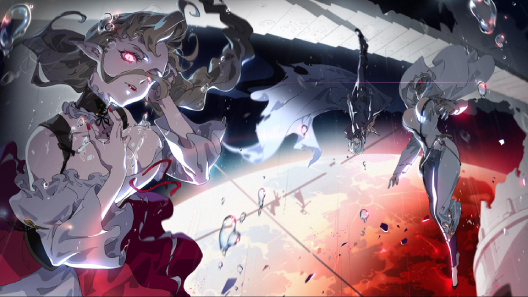


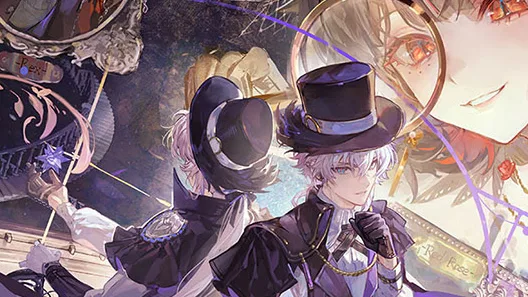


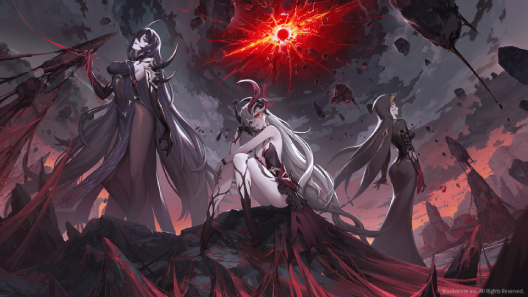
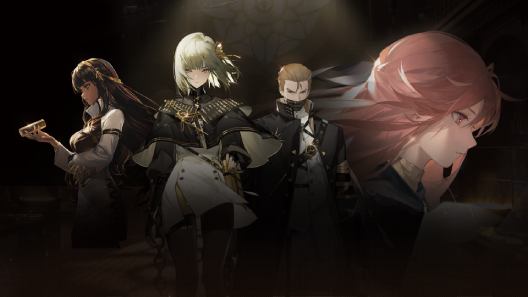
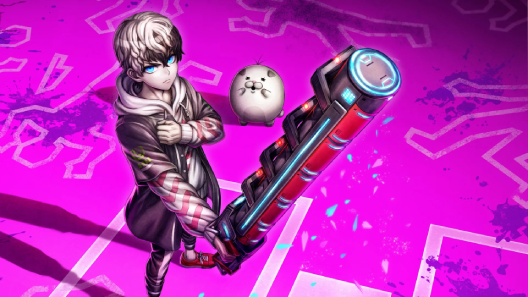











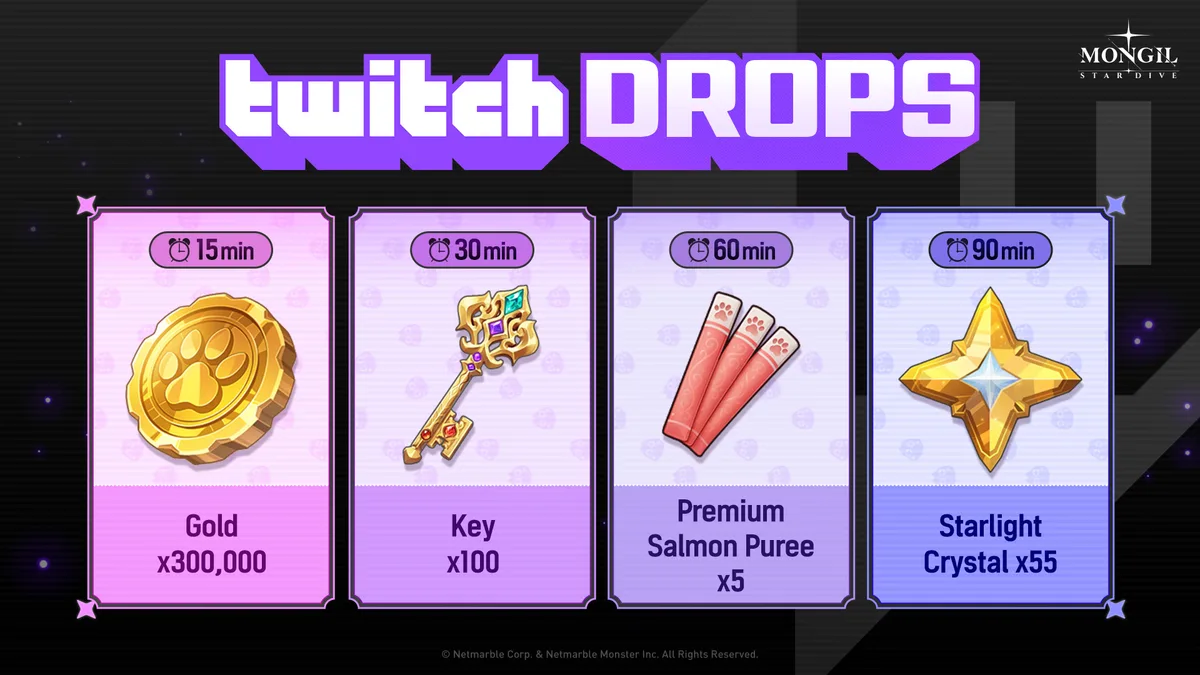

A new Mongil: Star Dive × Twitch Drops event is live, running from July 8 to July 22, 2026 (00:59 UTC) to celebrate the Version 1.2 update. Link your account and watch qualifying MST broadcasts to earn in-game rewards scaled to your cumulative watch time, up to a Starlight Crystal cap at 90 minutes.
Event Schedule
- 7/8 (Wed) – 7/22 (Wed) 00:59 (UTC)
How to Participate
- Visit the Twitch Drops event page.
- Log in and link your MONGIL: STAR DIVE account and Twitch account.
- Go to the Twitch website.
- Watch broadcasts with the
Drops Enabledtag in the MONGIL: STAR DIVE category. - Once you meet the required viewing time, claim your rewards from Drops & Rewards → Inventory on Twitch.
- Obtained coupon codes are used on the MONGIL: STAR DIVE Redeem Code page.
- Check progress and remaining time under Twitch Profile → Drops & Rewards.
- If you don’t apply for a reward within the event period after earning it, the in-game reward may not be issued — apply within the period.
- Each Drops reward is granted only once per Twitch account.
Cumulative Viewing-Time Rewards
| Watch time | Reward |
|---|---|
| 15 minutes | Gold x300,000 |
| 30 minutes | Key x100 |
| 60 minutes | Premium Salmon Purée x5 |
| 90 minutes | Starlight Crystal x55 |
Troubleshooting
- You must watch broadcasts that have the MST Drops Enabled feature active (verified via the
Drops Enabledtag and the in-chat message). If your viewing time isn’t updating despite seeing the message, refresh the stream or switch to another live broadcast. - To receive a reward, you must click
Claim Nowin your Twitch Inventory after reaching the viewing time, then clickReceive Rewardon the event page. - Drops rewards are sent to the mailbox of the game account linked on the event page and are delivered via in-game mail after a short delay.
Source
[MONGIL: STAR DIVE] × [Twitch Drops] Event Guide — Mongil: Star Dive Forum